
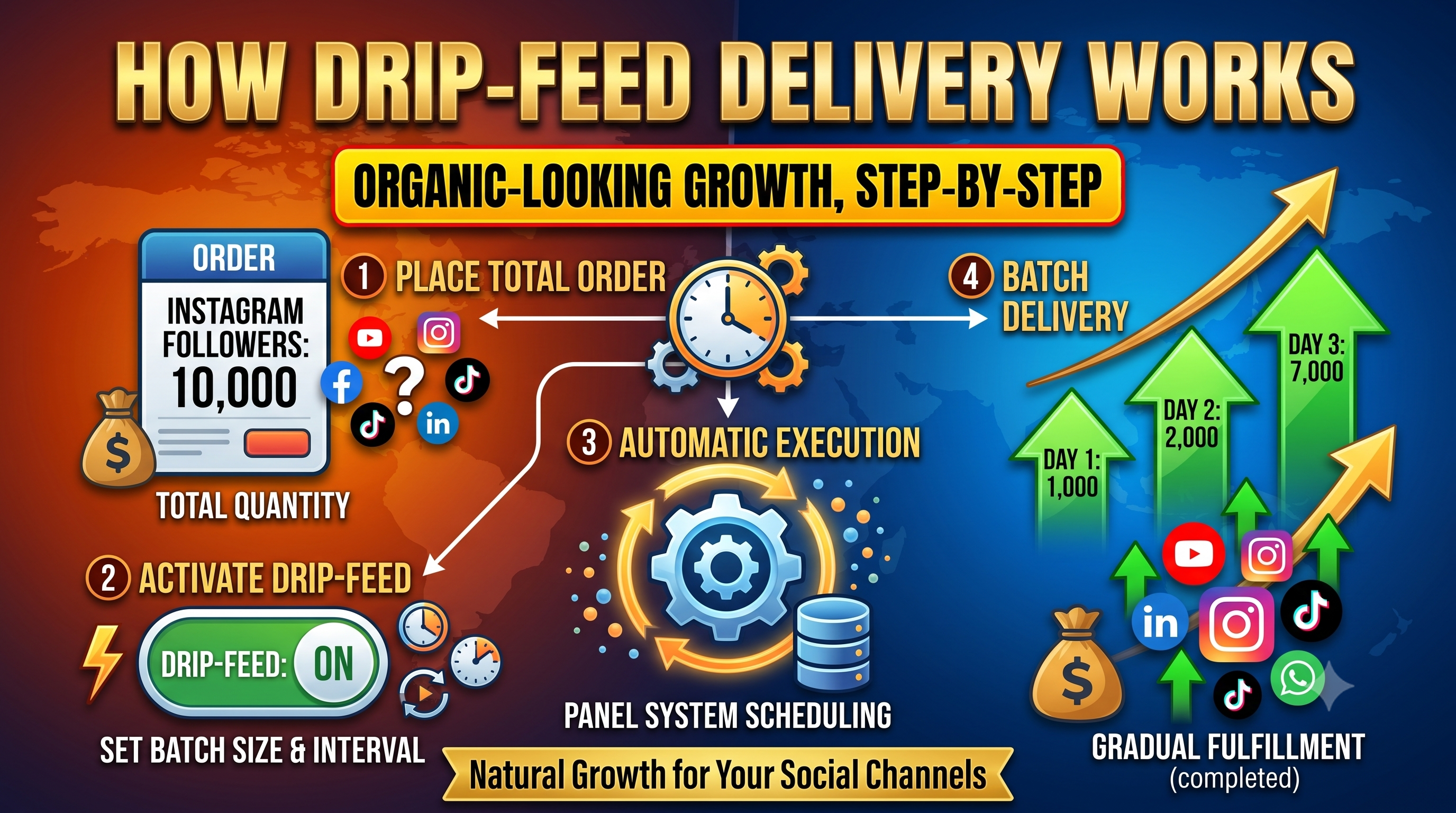
If you've browsed SMM panel services and noticed an option labeled "Drip-Feed" alongside regular delivery, you might be wondering what it actually does and why it costs the same or sometimes even less than standard delivery. This guide explains exactly how drip-feed delivery works, why it's often the more sensible choice, and when regular instant delivery makes more sense instead.
Drip-feed delivery spreads an order out gradually over a set period of time, rather than delivering the entire quantity all at once. Instead of receiving 2,000 likes instantly, for example, a drip-feed order might deliver 200 likes per day over 10 days until the full order is complete.
You typically control the pace yourself when placing the order, choosing:
Social media platforms are designed to detect unusual activity patterns, since sudden, large spikes in engagement are uncommon for genuine organic growth. A post that jumps from 50 likes to 2,000 likes within a few minutes looks statistically different from typical engagement patterns — even if every single like itself is legitimate.
Drip-feed delivery avoids this by mimicking a more gradual, natural-looking growth curve, which is a large part of why it's generally considered the safer default option compared to instant bulk delivery.
| Scenario | Recommended Option | Why |
|---|---|---|
| Growing a page or profile steadily over time | Drip-Feed | Mimics natural, gradual growth patterns |
| Boosting a specific post before a deadline or event | Instant Delivery | Speed matters more than gradual pacing for time-sensitive content |
| Large orders on an established account | Drip-Feed | Reduces the visibility of a sudden spike |
| Small orders on any account | Either works | Smaller quantities are less likely to appear unusual either way |
This varies by panel and service, but drip-feed pricing is often the same as instant delivery, since it's simply a different delivery schedule for the same underlying service rather than a separate product.
This depends on the specific panel's system. Some allow you to pause or adjust an in-progress drip-feed order, while others lock the schedule once the order is placed. Check your panel's order management options, or contact support if you need to make a change mid-delivery.
Not always. Drip-feed is most commonly available for follower, like, and view-based services, though availability varies by platform and by panel. Check the individual service listing to confirm before ordering.
Social Panda SMM offers drip-feed options across many of our Instagram, YouTube, and Facebook services, letting you set your own quantity, run count, and delivery interval directly when placing an order. Progress is visible in real time from your order history, so you always know exactly how much has been delivered and how much remains.
Drip-feed delivery isn't just a technical setting — it's a genuinely useful tool for making growth appear more natural and reducing the visibility of sudden spikes in activity. For ongoing account growth, it's generally the more sensible default, while instant delivery still has its place for time-sensitive needs. Understanding the difference helps you choose the right option for each specific order, rather than defaulting to whichever one is fastest.
Not sure which delivery option is right for your order? Check our FAQ page or reach out through our support ticket system.
