
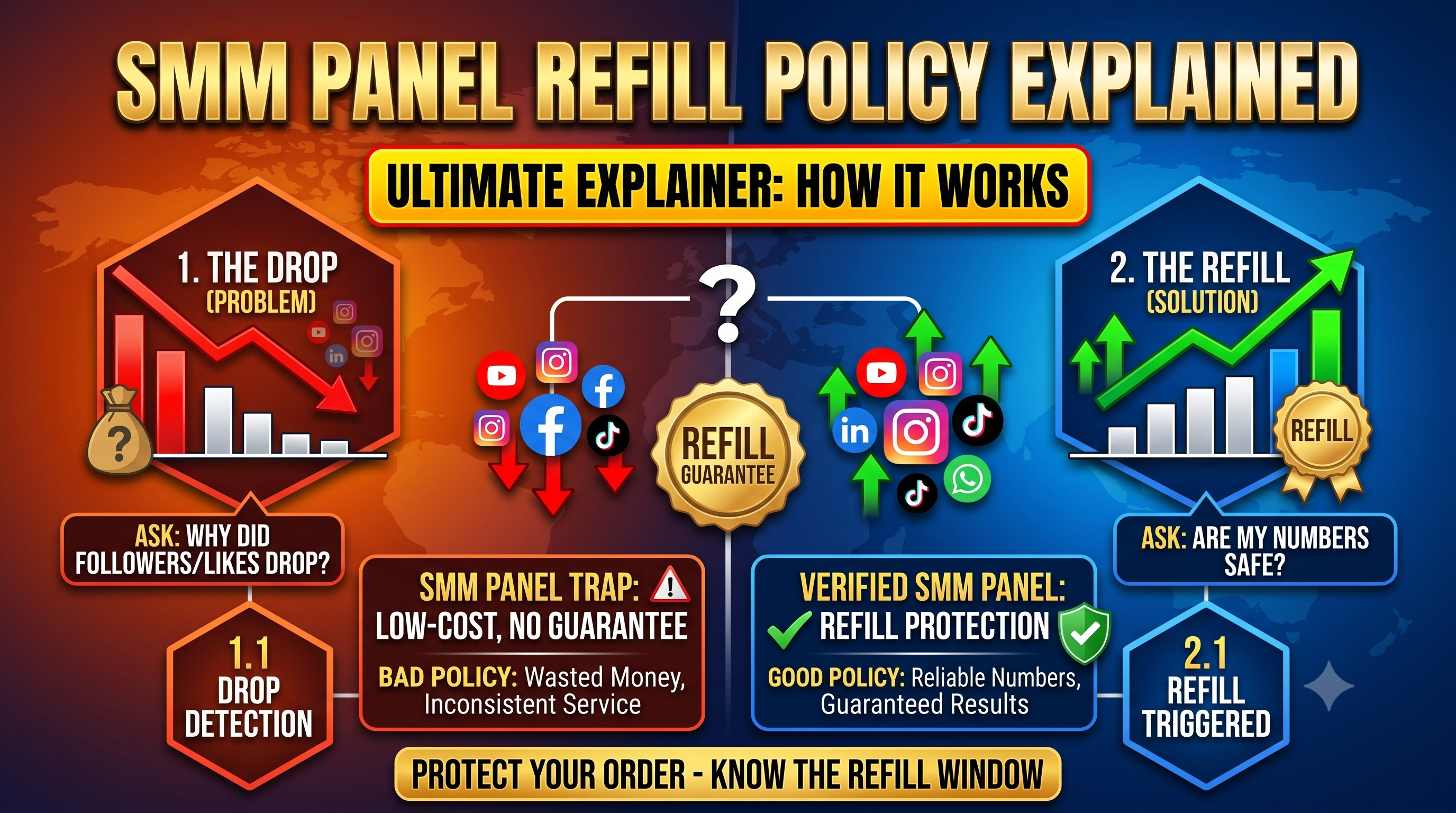
If you've ever noticed your follower or like count drop a few days after an order completed, you're not alone — this is a common occurrence across social media platforms, and it's exactly why refill policies exist. This guide explains what a refill policy actually means, why drops happen in the first place, and what to check before trusting any panel with your order.
A drop in numbers after delivery isn't necessarily a sign that something went wrong with your order. Several normal factors can cause it:
Because this is a normal, expected part of how social media platforms operate, reliable panels build refill protection directly into their service terms rather than treating drops as rare exceptions.
A refill policy is a commitment from the panel that if your delivered count drops within a specified period after the order completes, they will replace the missing amount at no additional cost. It functions similarly to a warranty — it doesn't prevent drops from happening, but it protects you financially if they do.
Refill periods vary by service and by panel, but they generally fall into a few common structures:
| Refill Period | What It Means |
|---|---|
| 30 days | Drops are covered for one month after order completion |
| 90 days | Extended coverage, common for higher-priced or premium services |
| 365 days | Full-year coverage, typically offered on premium or higher-cost service tiers |
| Lifetime / No Refill | Either permanent coverage, or explicitly no refill protection — always confirm which one applies |
It's important to check the refill period for each individual service you order, since panels often set different refill terms for different services rather than applying one blanket policy across everything.
The process varies slightly by panel, but generally follows this pattern:
Some services are priced lower specifically because they don't include refill coverage — this can still be a reasonable choice for lower-stakes orders, as long as it's clearly disclosed upfront rather than discovered after the fact.
A refill replaces the dropped quantity with the same service — it does not return your money. If you're looking for a monetary refund instead, that typically falls under a separate refund policy, which may have different conditions.
Refill protection isn't indefinite — once the stated period passes (e.g. 30 days), the panel is generally no longer obligated to replace drops on that order. Checking your orders periodically within the refill window, rather than waiting months later, gives you the best chance of successfully claiming a refill if needed.
Social Panda SMM clearly lists the refill period for every refill-eligible service directly on the services page, so there's no ambiguity about what's covered. Refill requests can be submitted directly from your order history within the active refill window, and our support team processes refill tickets promptly for any edge cases.
A refill policy is one of the clearest signals of whether a panel stands behind its own service quality. Understanding what's covered, for how long, and how to actually claim it protects you from unexpected losses and helps you choose panels that are transparent about how they operate — rather than discovering the gaps only after something drops.
Have a question about a specific order's refill eligibility? Check our FAQ page or open a support ticket with your order ID.
